FROM THE KITCHEN
Home cooks
Your specialty ulam, kakanin, baked goods, or family favorites — shared with buyers nearby.
 KusinitaHome made, with passion
FROM YOUR NEIGHBOR’S KITCHEN
Buy local favorites. Sell from your kitchen. Discover homemade meals, sweet treats, and fresh harvest from people nearby.
Android app • Available on Google Play
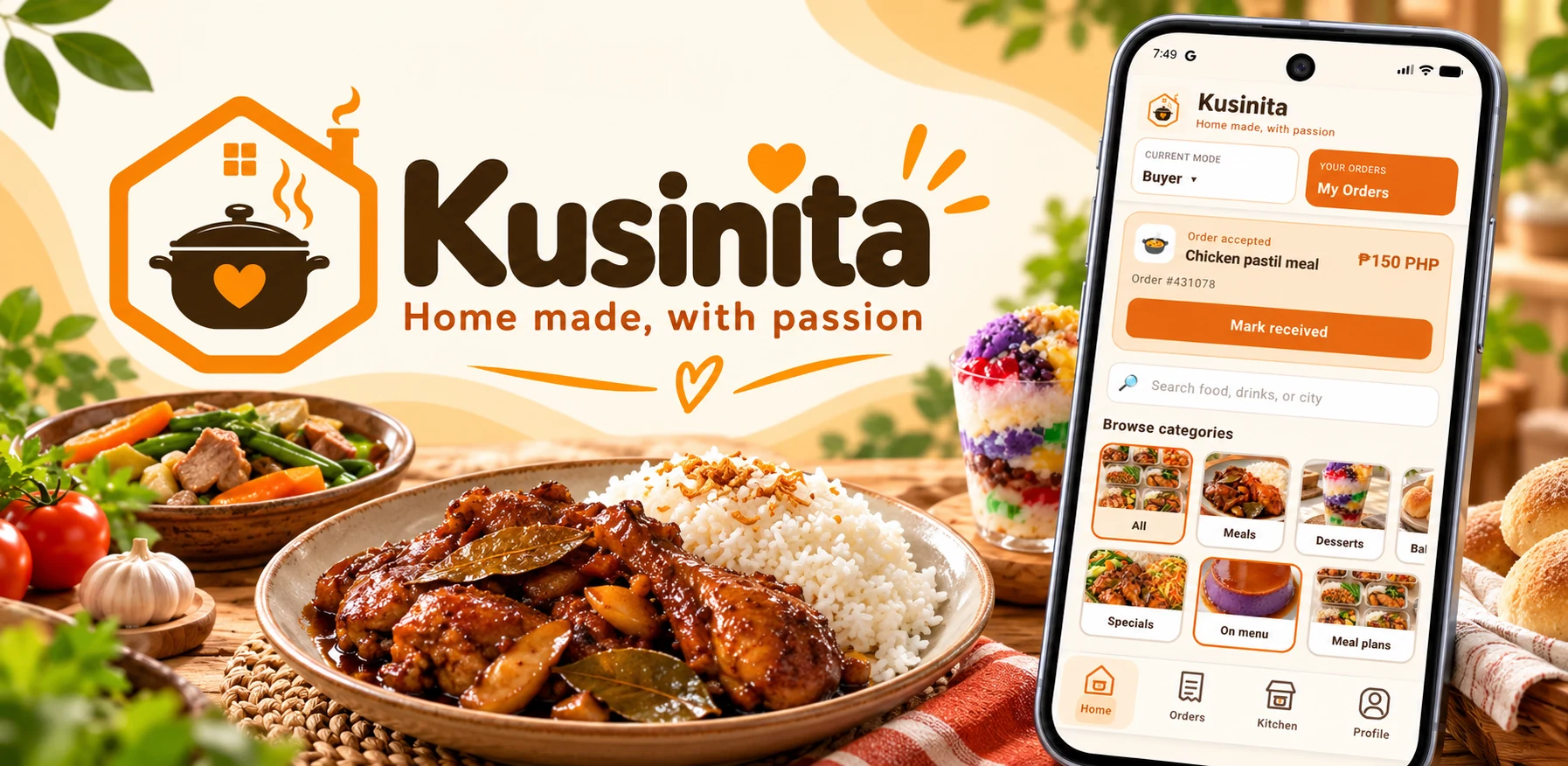
A PLACE FOR YOUR EVERYDAY FAVORITES
One place to discover local food. A simple storefront for the people who make it.
FROM THE KITCHEN
Your specialty ulam, kakanin, baked goods, or family favorites — shared with buyers nearby.
AROUND THE CORNER
A place for your food business to show what’s available, receive orders, and connect with customers.
FRESH FROM THE GARDEN
Share your freshly harvested vegetables and fruit with people looking for local produce.
YOUR LOCAL FOOD COMMUNITY
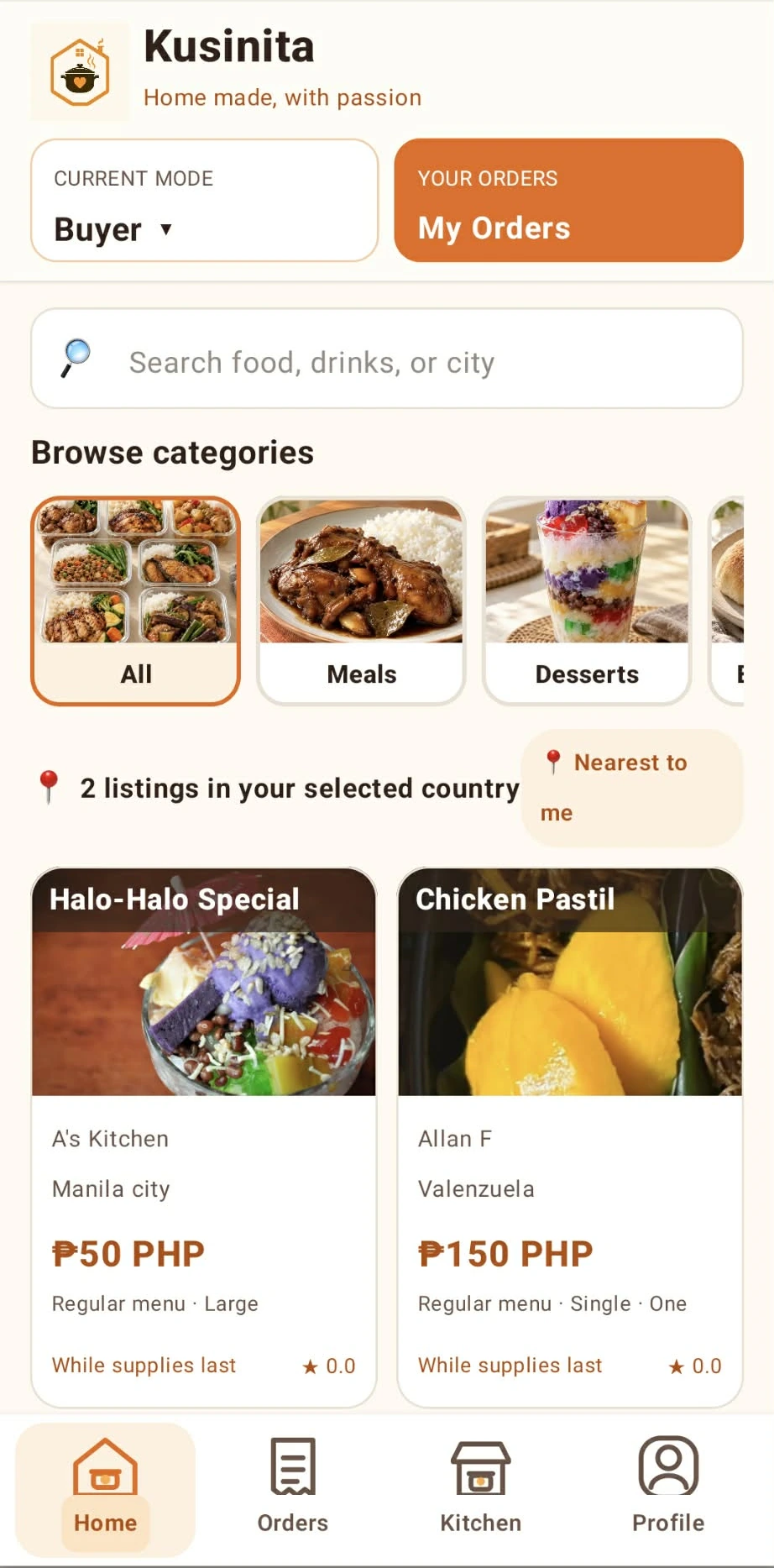
Explore food, drinks, and sellers in the Kusinita Android app. Find something for yourself, something for the family, or something sweet for later.
Search by food, drinks, or city and browse food categories.
Explore solo and family serving options.
Coordinate pickup or seller-offered delivery, and agree on payment directly.
FROM DISCOVERY TO YOUR TABLE
Kusinita connects you. Your seller takes care of your order.
Use your Google account to get started in the Android app.
Browse nearby cooks, vendors, and growers. Choose what you’re craving.
Coordinate pickup or delivery if your seller offers it.
Use cash or an agreed e-wallet. Payment goes directly to the seller.
SHARE YOUR HOME-COOKED GOODNESS
Ready to list your food? Complete your seller information first so buyers know where to pick up and how to contact and pay you.
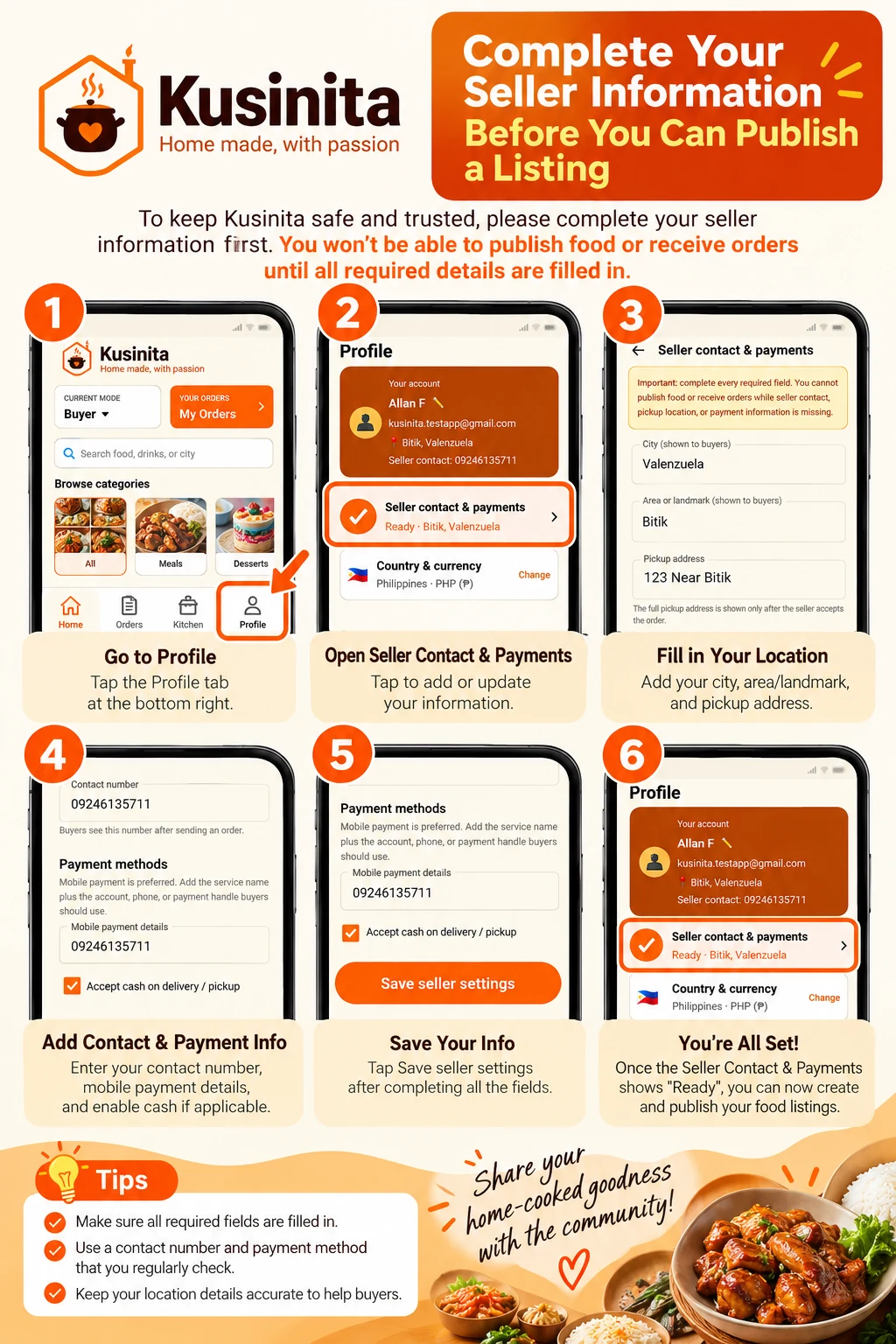 Tap to view the full guide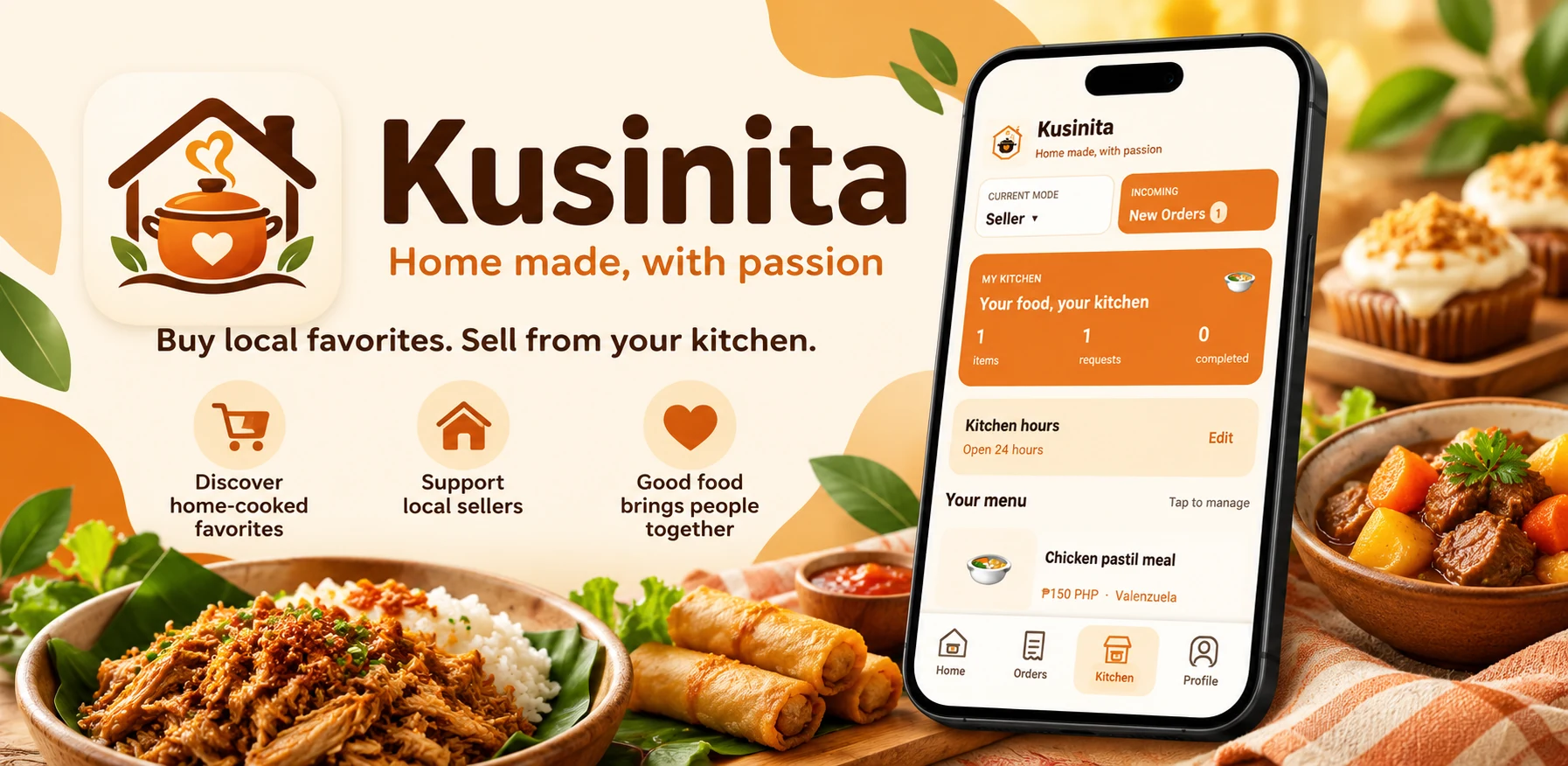
MADE NEARBY. SHARED WITH LOVE.
Bring neighborhood food selling into one place — for the people who cook, grow, sell, and enjoy it.
Take a look at the appLET’S TALK
We’d love to hear from you.